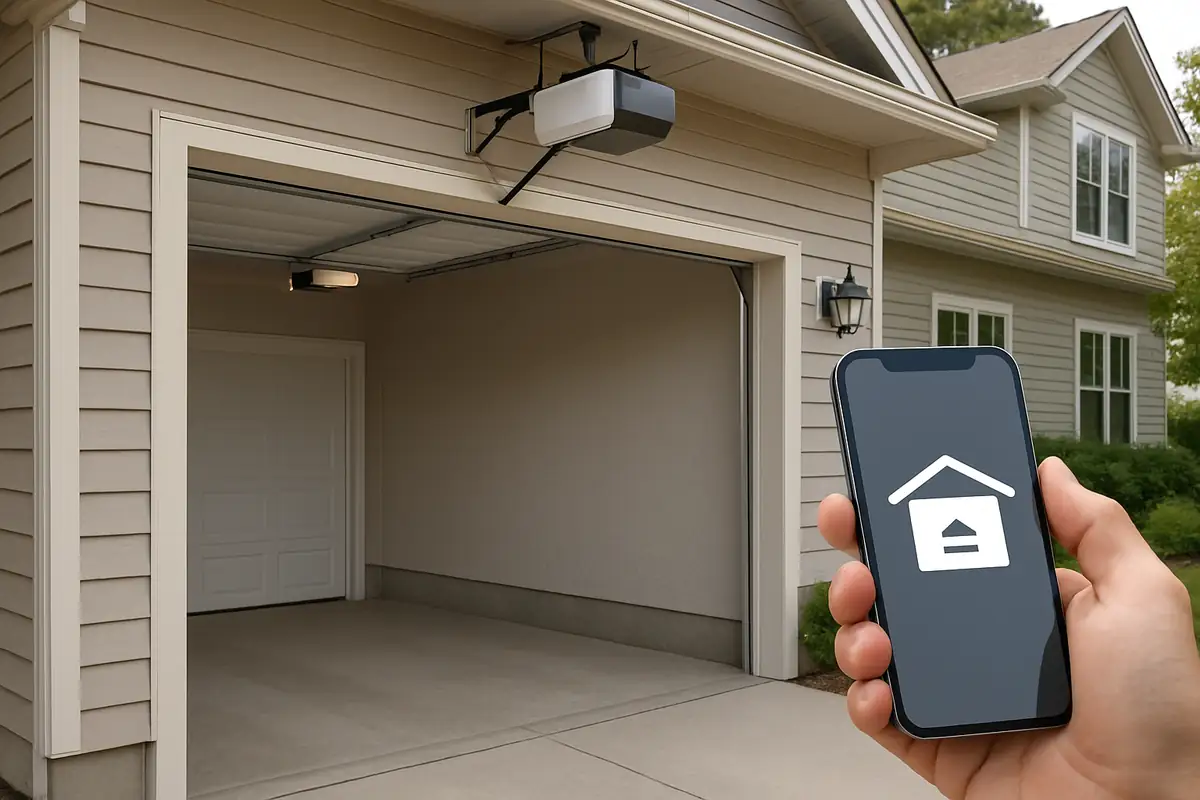
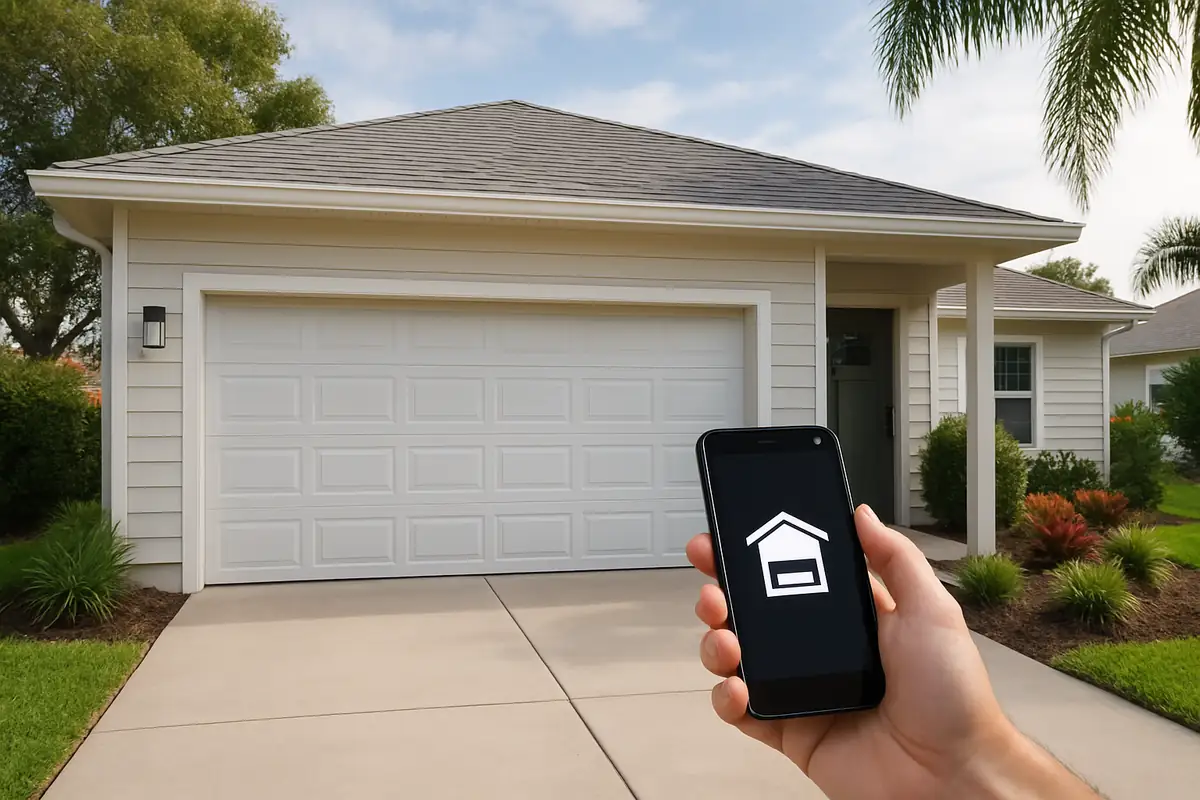
How to Program Your Garage Door Remote with Able Garage Door Repair in San Francisco, CA

Introduction
Programming your garage door remote can seem like a daunting task, especially if you aren't particularly tech-savvy. However, with a little guidance, it's a straightforward process that can enhance the convenience of your life. In this article, we will provide you with a detailed, step-by-step guide on how to program your garage door remote, ensuring that you can quickly gain entry to your home while understanding the ins and outs of the system. And if you ever face issues, remember that Able Garage Door Repair in San Francisco, CA, is always here to help!
Understanding Your Garage Door Remote
Before we delve into programming your garage door remote, it’s essential to understand how these devices work. Most garage door remotes operate through radio frequency signals that communicate with the door opener.
Key Components of Garage Door Remotes
- Transmitter: The remote sends a signal when a button is pressed.
- Receiver: The garage door opener receives the signal and responds accordingly.
- Batteries: Power source for your remote; ensure they are functioning for smooth operation.
Why You Might Need to Reprogram Your Remote
There are various reasons you might need to reprogram your garage door remote. Some of the most common include:
- Changing the batteries in the remote.
- Moving to a new home and wanting to ensure security.
- After an accidental erasure of the remote's memory.
- Adding a new remote for a family member.
Step-by-Step Guide to Programming Your Garage Door Remote
Gather Your Tools
Before beginning, ensure you have the following:
- Your garage door remote.
- Your garage door opener's manual (if available).
- A ladder (if the opener is mounted high).
- Patience!
Step 1: Locate the "Learn" Button
The first step is to find the "Learn" button on your garage door opener. This button is typically located on the back or side of the motor unit and may be concealed. If you cannot locate it, refer to your opener's manual.
Step 2: Prepare the Remote
Once you have found the "Learn" button:
- Take your garage door remote in hand.
- Make sure the remote has fresh batteries.
Step 3: Press the "Learn" Button
Press and release the "Learn" button on the garage door opener. A light will typically blink or stay steady, indicating the opener is ready to receive a signal from the remote.
Step 4: Program the Remote
Within 30 seconds of pressing the "Learn" button, press and hold the button you want to program on your remote. Hold it until you see the light on the opener blink or turn off, indicating successful programming. This usually takes about 2 to 5 seconds.
Step 5: Test Your Remote
After programming, test the remote by pressing the button. If the garage door opens or closes, congratulations! Your remote is successfully programmed.
Troubleshooting Common Issues
If your garage door remote does not work after following the above steps, consider the following:
- Ensure that the batteries are installed correctly and are not dead.
- Check if you pressed the "Learn" button long enough.
- Ensure there aren’t any obstructions blocking the signal between the remote and the opener.
- Keep a safe distance from other electronics that might cause interference.
Reprogramming Multiple Remotes
If you wish to program multiple remotes, repeat the steps for each remote within the 30-second window after pressing the "Learn" button. Each remote can typically be programmed to the same garage door opener.
Maintenance Tips for Your Garage Door Remote
To ensure your garage door remote functions optimally for a more extended period, consider these maintenance tips:
- Regularly check and replace batteries as needed.
- Keep the remote clean and free from dirt or debris.
- Store the remote in a dry and safe place to prevent damage.
Conclusion
Programming your garage door remote can elevate your home convenience and security. By following these steps, you can quickly learn to manage your garage door with ease. And remember, if at any point you feel overwhelmed or encounter any issues, Able Garage Door Repair in San Francisco, CA, is here to assist you with any repairs or installations you may need. Don't hesitate to reach out for expert help!
Explore More Resources
Related Articles
Service Areas
We proudly serve San Fransisco.
Our Services
Professional garage door repair, spring repair, opener installation and more. View all services →